





























































































































































































































































































Bajaj Pay UPI and UPI Lite allow you to seamlessly make UPI money transactions through Bajaj Pay App.
Pay with Bajaj Pay UPI & UPI Lite for UPI Payment Transactions


UPI ID
Activate
Bills and Recharges
My Bills


Link RuPay Credit Card on UPI
Make payments online or in-store using QR
Products and Loans


Bajaj Pay offers


Offer for the month




Frequently asked questions
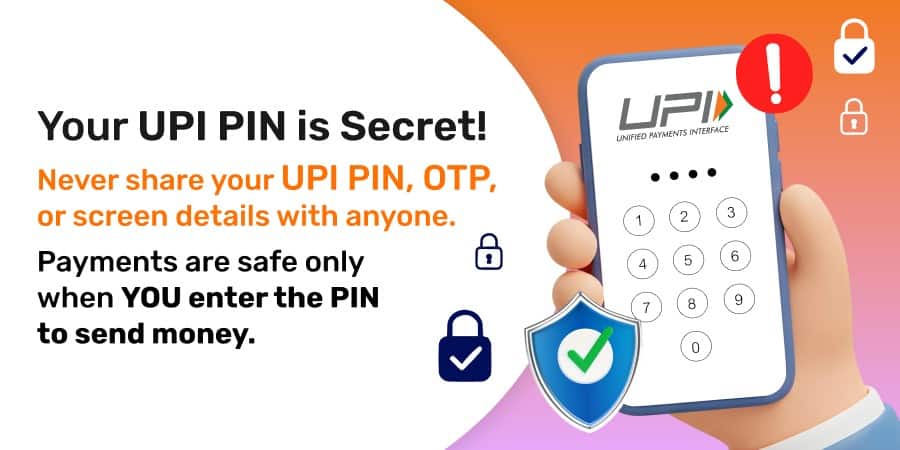
A UPI PIN (Unified Payments Interface Personal Identification Number) is a 4-6 digit passcode that you create during the registration process. You must remember your UPI PIN and use it to authorise all your transactions. Do not share your UPI PIN with anyone.
When a payment is made, the amount is debited from one bank account and should be credited to another bank account. However, sometimes the amount is debited but not credited due to issues such as bank server problems, network issues, or delayed responses from the bank. We apologise for any inconvenience caused in such cases.
There are multiple reasons why a UPI payment may fail. Some common reasons include entering the wrong PIN, insufficient balance in the payer's account, the payer/payee's account being frozen, blocked, or blacklisted, technical issues such as delayed bank response or network problems, or certain transaction types not being allowed.
Normally, UPI payments are completed instantly. However, in rare cases, there may be technical issues causing a delay in depositing the payment into the receiver's account. If your UPI payment is pending, we recommend waiting for 48 hours from the time of payment to know the final status.
We regret to inform you that pending transactions cannot be cancelled. The status of the transaction may change to success or failure. In case of a failed transaction, a refund will be initiated.
Please contact us or you may raise a service ticket on the below details:
1. Go to the passbook section and select the UPI Transaction
2. Click on Quick Help/FAQs
3. Click on the still have query at the bottom of the screen and follow the instructions given on the screen.
We regret to inform you that it is beyond the control of Bajaj Finance Limited to reverse a successfully executed transaction. We advise you to contact the recipient or beneficiary's bank to request a refund.
In most cases, if the payment is successful, the receiver should receive the amount by the next day for person-to-person transactions. However, for merchant payments, it may take up to 5 days for the money to reach the receiver's account.
Banks usually deposit money for UPI payments instantly. However, due to technical issues in the banking system, it may take up to 5 days from the payment date for the money to be deposited into the receiver's account. Please note that this duration is dependent on the bank involved in the transaction.
We regret to inform you that it is beyond the control of Bajaj Finance Limited to cancel a successfully executed transaction. Hence, please contact the Recipient or Beneficiary further.
When a person registers multiple accounts on any UPI-enabled app, it is mandatory to mark one account as the primary account. Therefore, when money is received, it is credited to the primary account number only.
If the transaction is between two persons, the refund will usually be processed by the next day from the transaction date. For payments made to a merchant, the refund may take up to 5 days from the transaction date.
If you do not receive the refund after 5 days for a failed UPI payment, please contact your bank for further assistance and resolution.
To set up UPI PIN through the Bajaj Finance app, please follow these steps:
1. Click on the 'UPI' option under 'Bajaj Pay' on the Home Screen
2. Enter your mobile number for registration and wait for the verification SMS
3. Complete the SIM validation process
4. Select your bank and account number
5. Enter your Debit/ATM card details
6. Set your UPI PIN for future use.
- Visit the app store: Open the Google Play Store (for Android) or the Apple App Store (for iOS) on your smartphone.
- Search for Bajaj Finance: Type "Bajaj Finance" in the search bar.
- Download and install: Click on the app from the search results and tap "Install" or "Get" to download and install the app on your device.
- Open the Bajaj Pay UPI app: Launch the app on your smartphone.
- Register or log in: If you are a new user, register with your mobile number. If you already have an account, log in.
- Navigate to bank account linking: Go to the section where you can link your bank account.
- Select your bank: Choose your bank from the list of available banks.
- Verify your account: Enter your bank account details and verify using the OTP sent to your registered mobile number.
- Set UPI PIN: Set a UPI PIN for secure transactions.
- Check transaction status: First, check the status of the transaction in the app's transaction history.
- Wait for a while: Sometimes, transactions may be delayed. Wait for a few minutes to see if the transaction completes.
- Contact customer support: If the transaction fails, contact Bajaj Pay customer support through the app or their helpline.
- Check bank account: Verify if the amount has been debited from your bank account. If it has, the amount should be refunded automatically within a few days.
- Raise a dispute: If the issue persists, you can raise a dispute through the app or your bank.